Buy your genuine Windows Server licence with a single payment. Windows Server 2025 Standard from €249. A one-time Windows Server licence —also called a perpetual licence— is paid once and is yours forever: no fees, no annual renewals and with a VAT invoice valid for audits. At Revolution Soft you'll find Windows Server 2025, 2022, 2019 and 2016, in their Standard, Datacenter and Essentials editions, plus the access CALs and Remote Desktop Services (RDS). All with instant email delivery, a legal licence in the EU and a lifetime guarantee.
| One-time payment · lifetime |
VAT invoice |
Valid for audits |
Legal licence in the EU |
How much you save versus Microsoft
It's exactly the same genuine Microsoft software, at a fraction of the official price. Windows Server 2025 Standard costs €249 at Revolution Soft, compared with over €1,100 through Microsoft's official channel (16-core base licence). And ours covers up to 24 physical cores.
Windows Server 2025 Standard at Revolution Soft: €249 · Official Microsoft price: +€1,100 · You save around 77%
Which edition of Windows Server should you choose?
All three editions share the same operating system (Active Directory, DNS, DHCP, file sharing, Hyper-V, IIS). The difference lies in virtualisation and the size of your organisation.
| Edition |
Best for |
From |
Standard
the most common choice |
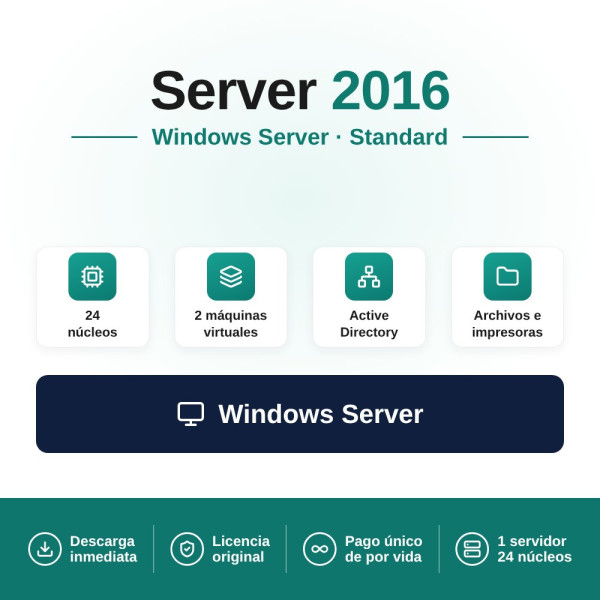
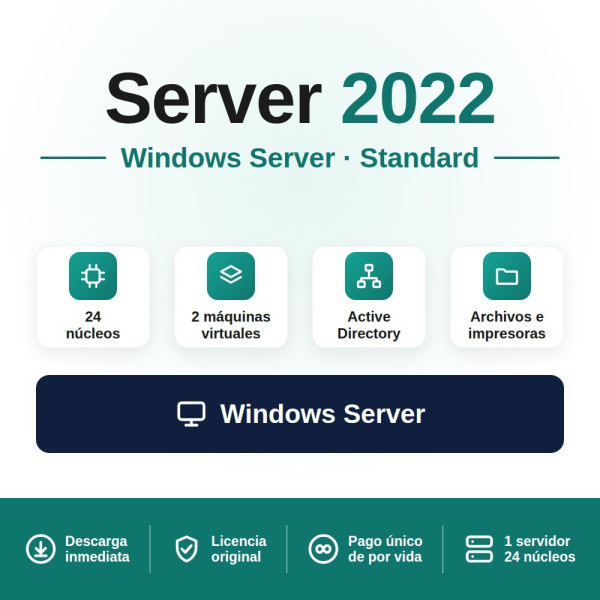
Most companies and physical servers. Allows up to 2 Hyper-V virtual machines. |
€249 |
Datacenter
maximum virtualisation |
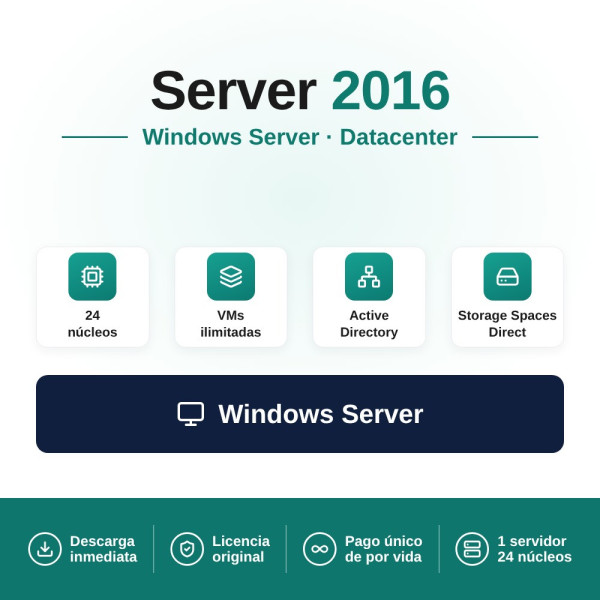
Data centres and heavily virtualised environments. Unlimited VMs, Storage Spaces Direct and Shielded VMs. |
€299 |
Essentials
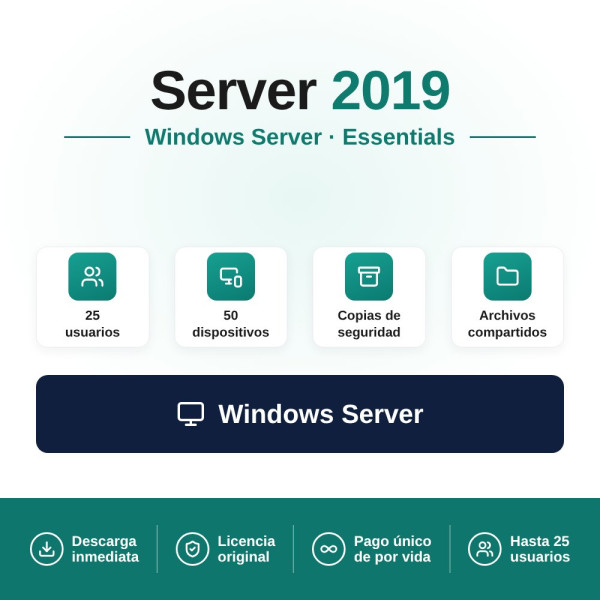
small businesses (2019 version) |
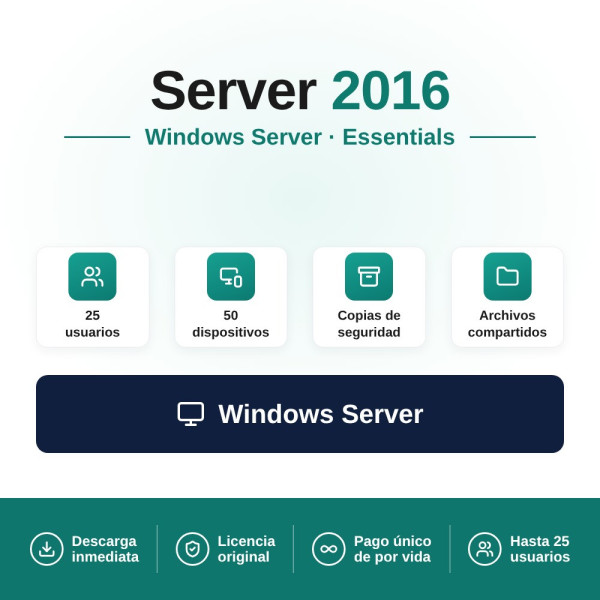
Companies with up to 25 users. No CALs needed: access is already included. |
€249 |
Which version? 2025 is the current one (released in November 2024) and the one with the longest lifespan; 2022 offers proven stability at the same price; 2019 is the only one with an Essentials edition and the best for compatibility with older applications; 2016 covers older hardware or test environments. They all cover 24 physical cores per licence.
CALs and RDS: what you need besides the server
The server licence covers the operating system, but every user or device that connects needs a CAL (Client Access Licence), sold separately. It's the part that raises the most questions, so here's the summary:
| You need… |
When |
From |
| User CAL |
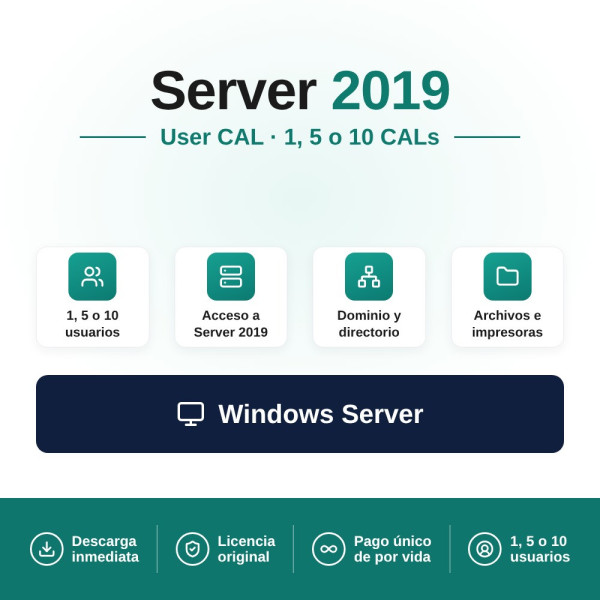
When each employee accesses from several devices (laptop, desktop, mobile). |
€21.66 |
| Device CAL |
When the same device is used by several people (shifts, reception desks, shared workstations). |
€21.66 |
| RDS (Remote Desktop) |
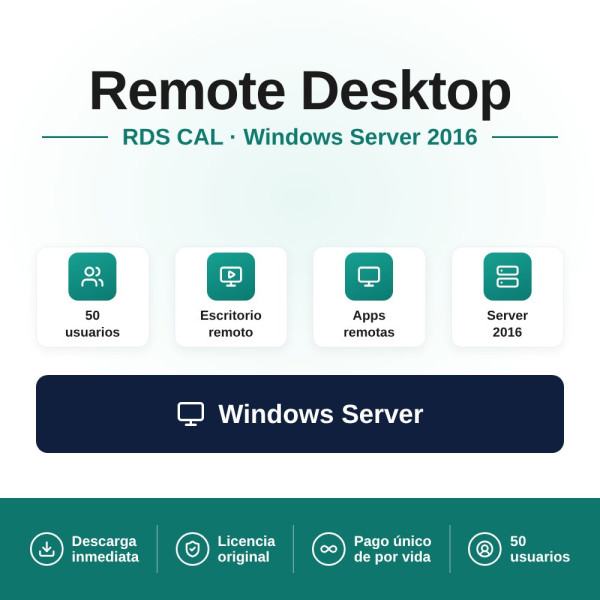
When users work in remote sessions on the server (terminal server). |
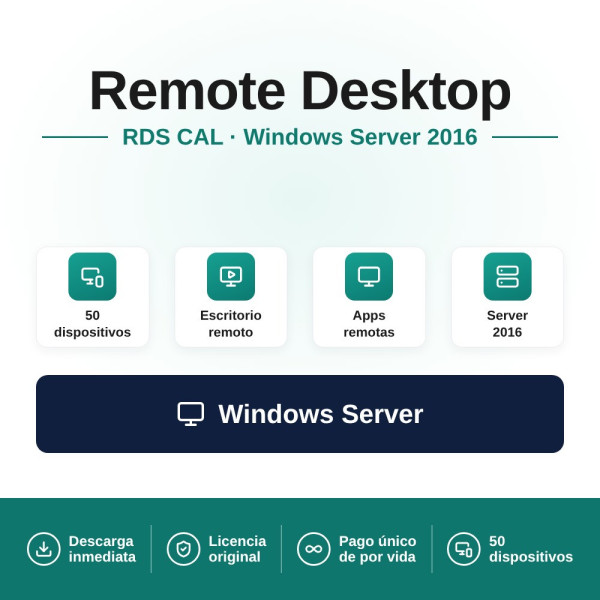
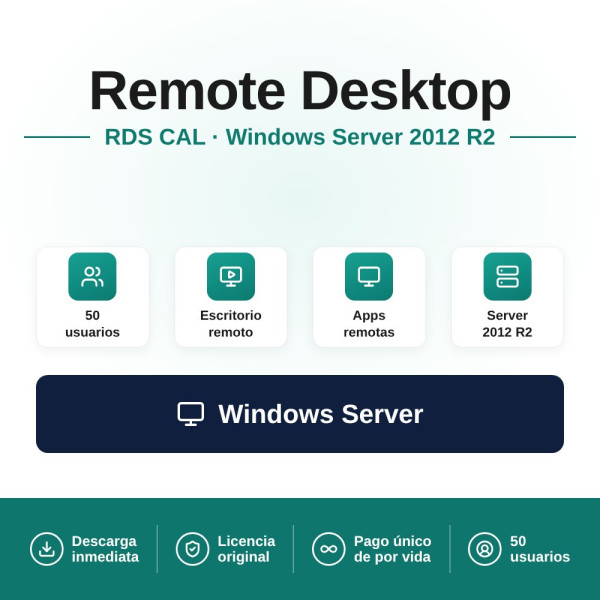
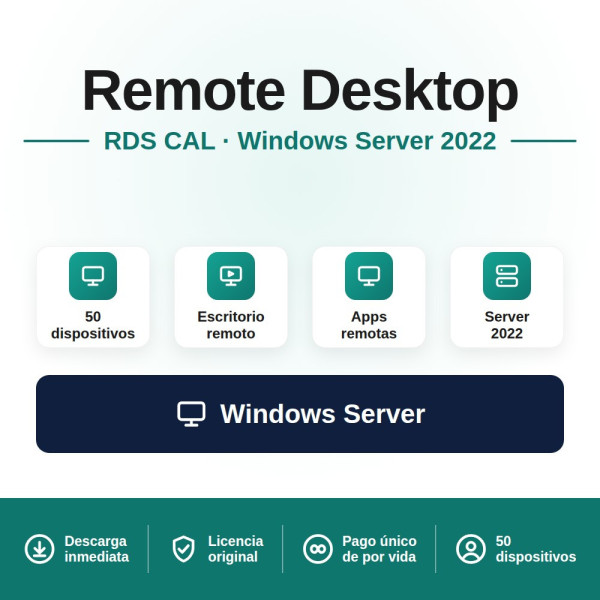
€165 (50 users or devices) |
Important: CALs must be the same version as the server or higher. For a server running Windows Server 2025 you need 2025 CALs (User or Device, €39.93 each) and, if you use Remote Desktop, RDS for 2025 (€199). Not sure which combination you need? Write to us and we'll help you work out the exact licences.
Quick price table
| Product |
From |
| Windows Server Standard (24 cores) |
€249 |
| Windows Server Datacenter (24 cores) |
€299 |
| Windows Server Essentials (2019, up to 25 users) |
€249 |
| User / Device CAL |
€21.66 |
| RDS · Remote Desktop (50 users/devices) |
€165 |
| Core Add-On (additional cores) |
€89 |
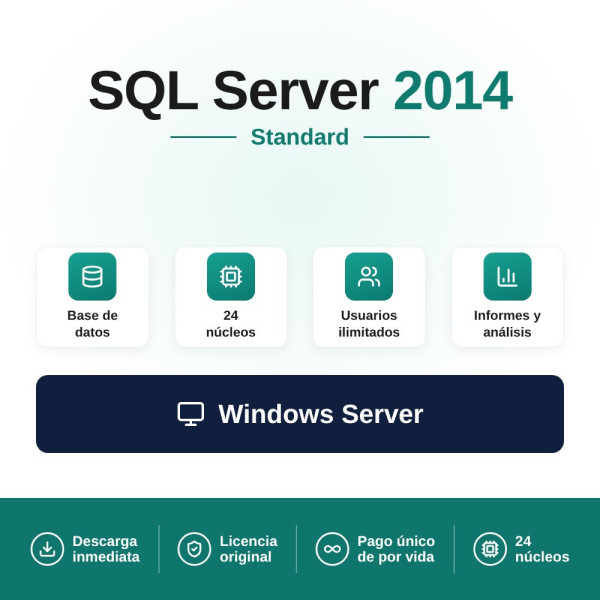
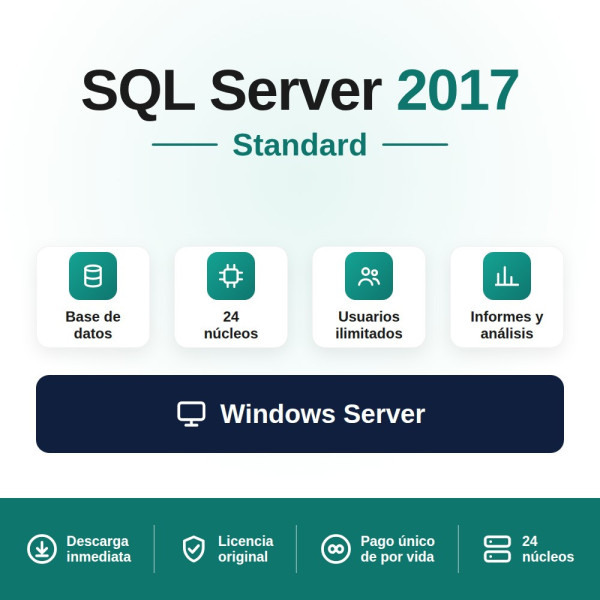
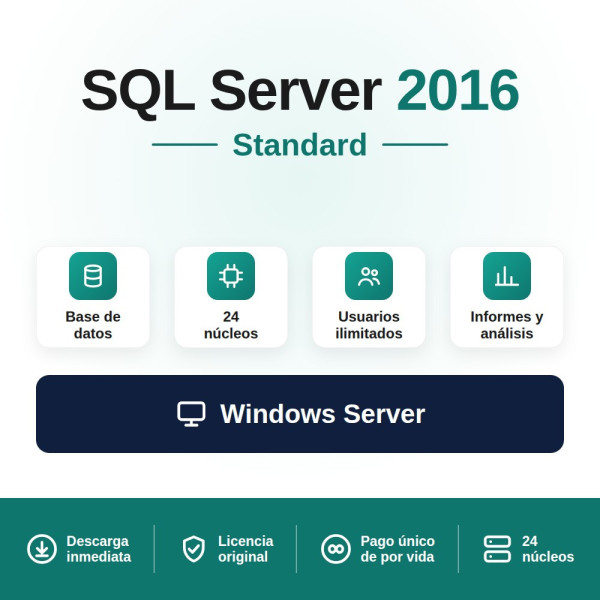
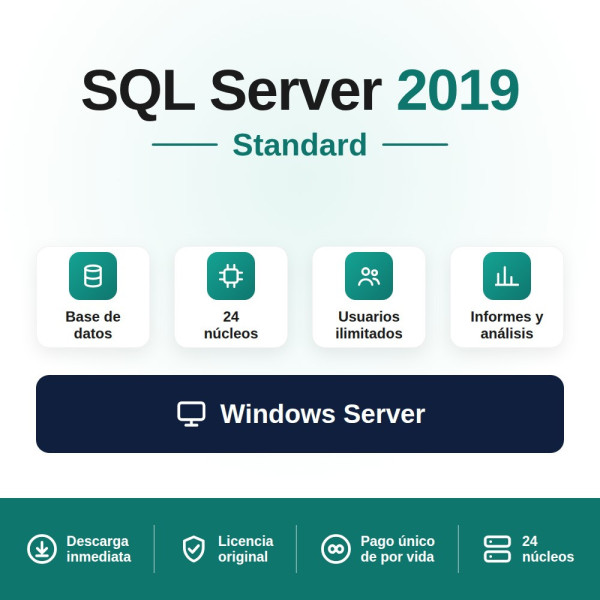
| SQL Server Standard |
€690 |
Prices include VAT. Check each product page for versions and the exact price.
Is it legal? Yes, and it's valid for audits
Yes, it's completely legal. The resale of second-hand software licences has been permitted throughout the European Union since the ruling of the Court of Justice of the EU C-128/11 (UsedSoft v Oracle, 2012), which established the principle of exhaustion of the distribution right: once a licence has been sold within the EU, its holder may legally resell it. Revolution Soft is a Spanish company that issues a VAT invoice with every purchase, deductible for companies, freelancers and public administrations, and valid for Microsoft licensing audits. It's the way to regularise your servers with documentary backing.
How it works: from purchase to activation
The whole process is digital and instant. As soon as the payment is confirmed you receive in your inbox, within minutes:
| 1 |
Your Windows Server activation key. |
| 2 |
The link to download the official Microsoft ISO. |
| 3 |
The documentation in accordance with EU law and your VAT invoice. |
You install the server, enter the key and you're done. If you need help with activation, migration or working out CALs, our support team will guide you at no extra cost.
Why buy your Windows Server licence at Revolution Soft
| ✓ |
One-time payment, for life. No subscriptions, no renewals, no recurring costs. |
| ✓ |
Instant email delivery, with key, official ISO, EU documentation and invoice. |
| ✓ |
VAT invoice, deductible and valid for Microsoft audits. |
| ✓ |
Legal licence in the EU under the ruling of the CJEU C-128/11. |
| ✓ |
Free technical support: activation, migration and CAL calculation. |
Are you a computer shop, MSP or reseller? With the distributor programme you get a 30% discount on Windows Server, SQL Server and RDS (Server Standard from €174.30) and 20% on the rest of the catalogue, with invoice, fixed prices and instant delivery. Apply at distribuidores.revolutionsoft.net.
Frequently asked questions about Windows Server licences
Is it a one-time payment or a subscription?
It's a one-time payment. You buy a perpetual licence: you pay for it once, it works forever and you don't pay any fees or annual renewals.
How many cores does the licence cover?
Our Windows Server licences cover up to 24 physical cores. Microsoft's minimum is 16 cores per server. If your server exceeds 24 cores, you'll need a Core Add-On to cover the extra ones (from €89). We'll help you work it out if needed.
What's the difference between Standard and Datacenter?
They share the same operating system. The difference is virtualisation: Standard allows up to 2 Hyper-V virtual machines, while Datacenter offers unlimited VMs and includes Storage Spaces Direct, Shielded VMs and software-defined networking (SDN).
Do I need CALs? How many?
Yes, except in the Essentials edition. Every user or device that accesses the server needs a CAL. Choose a User CAL if each person accesses from several devices, or a Device CAL if several users share the same machine. If you use Remote Desktop sessions, you also need RDS for each user or device.
Does an older CAL work with a new server?
No. CALs must be the same version as the server or higher. A 2022 CAL gives access to 2022 servers and earlier, but not to a Windows Server 2025; for 2025 you need 2025 CALs.
Which version suits me: 2025, 2022 or 2019?
If you're setting up a new server or planning a migration, 2025 is the investment with the most runway. If your infrastructure already runs on 2022, you don't need to migrate yet and you get the same stability at the same price. 2019 is the option if you need Essentials or compatibility with older applications.
Is the licence valid for audits?
Yes. Every purchase includes a VAT invoice from a registered Spanish company, documenting the legitimate acquisition under the CJEU ruling C-128/11. It's valid for Microsoft licensing audits and tax-deductible.
Do I also need SQL Server?
Only if your server is going to host a database (ERP, CRM, accounting). In that case you also need a SQL Server licence. You have SQL Server Standard from €690 in its category, with its own CALs.
Are you a distributor or computer shop?
We have a distributor programme with a 30% discount on Windows Server, SQL Server and RDS, and 20% on the rest of the catalogue. Apply at distribuidores.revolutionsoft.net.
Revolution Soft is an independent distributor of software licences. We are not affiliated with or associated with Microsoft Corporation. Microsoft, Windows, Windows Server, SQL Server and the other brands mentioned are the property of their respective owners. Prices and availability subject to change; check each product page.

 Español